Kompass Benefits Modules Security Introduction FAQ
Kompass by HUBERT ONE · Business software for manufacturing companies
One system for the whole company.
As management, always keep the entire business in view.
Sales, costing, purchasing, production, quality, HR, documents and management – in one Kompass instead of many separate programs. One data set, one login, one file per customer and per transaction. Built on top of your ERP, in your own network, without forced cloud.
- All areas in one system
- Runs on your server
- ERP is only read
- Permissions per role
- On desktop and mobile
Instead of many isolated solutions
Other programs solve one area. Kompass connects them all.
Many solutions on the market cover only one part – a CRM for sales, a costing tool, a holiday planner, a document archive, gauge management software, a reporting program. Each with its own data, its own login, its own costs and interfaces that need maintaining. Kompass is one system for all departments.
Typical today: many separate programs
- The same customers, items and employees maintained in several programs
- Excel lists as the bridge between systems
- Each program with its own login, permissions and contract
- Interfaces that can break with every update
- Nobody sees the whole picture: quote, order, production and invoice are kept apart
With Kompass: one system
- One data set from your ERP for all departments
- One file per customer and per transaction – from quote to invoice
- One login, permissions managed centrally per role
- Sales, costing, purchasing, production, quality, HR and management work hand in hand
- One contact, one contract, one update for everything
Why Kompass
Less Excel, less searching, better decisions.
In many manufacturing companies the knowledge sits in the ERP – but it does not reach the people who make decisions. Kompass prepares the data so that sales, purchasing, production and management work faster and with more confidence.
Cost correctly
New enquiries are compared with similar orders already produced – with actual hours, material and the contribution margin achieved. Earlier quotation prices and competitor prices are shown right next to them.
Sales with an overview
Customer file with sales, open quotes and visits, a map of customers and prospects, route planning and visit reports – on the phone, too, when on the road.
Everything in one file
Quote, order, purchase order, delivery note, invoice, e-mails and attachments – organised by transaction, with full-text search and traceable versions. Nothing is deleted.
Modules
One system for the whole process.
Each module shows only what the respective role needs. You assign the permissions yourself – per group and per person.
Costing based on real orders
For a part, Kompass finds the most similar orders from the past and shows what they really cost and earned. Gut feeling becomes a traceable calculation.
- Comparative costing with hours, material, external services and contribution margin
- New-part costing by effort and reconditioning
- Earlier quotation and sales prices as well as competitor prices at a glance
- Quotation with several items, output as PDF and Excel
Sales and customer care
The customer file brings together everything about a customer: sales trend, open quotes, orders, visits and contacts. Prospects are managed the same way – up to the first order.
- Map of customers and prospects, route planning
- Visit reports and accompanying colleagues, recorded on the phone
- Open quotes with follow-up and result (won/lost with reason)
- Targets per account manager with incoming orders and sales
Purchasing and order approval
Every purchase order has its own file: supplier, items with prices and delivery times, link to the customer order and all supplier quotes. Approval takes one click – with the price trend in view.
- Purchase order file with items, commission and approval
- Price trend per item across all earlier orders
- Attachments from supplier e-mails filed automatically
- Goods receipt with quality inspection
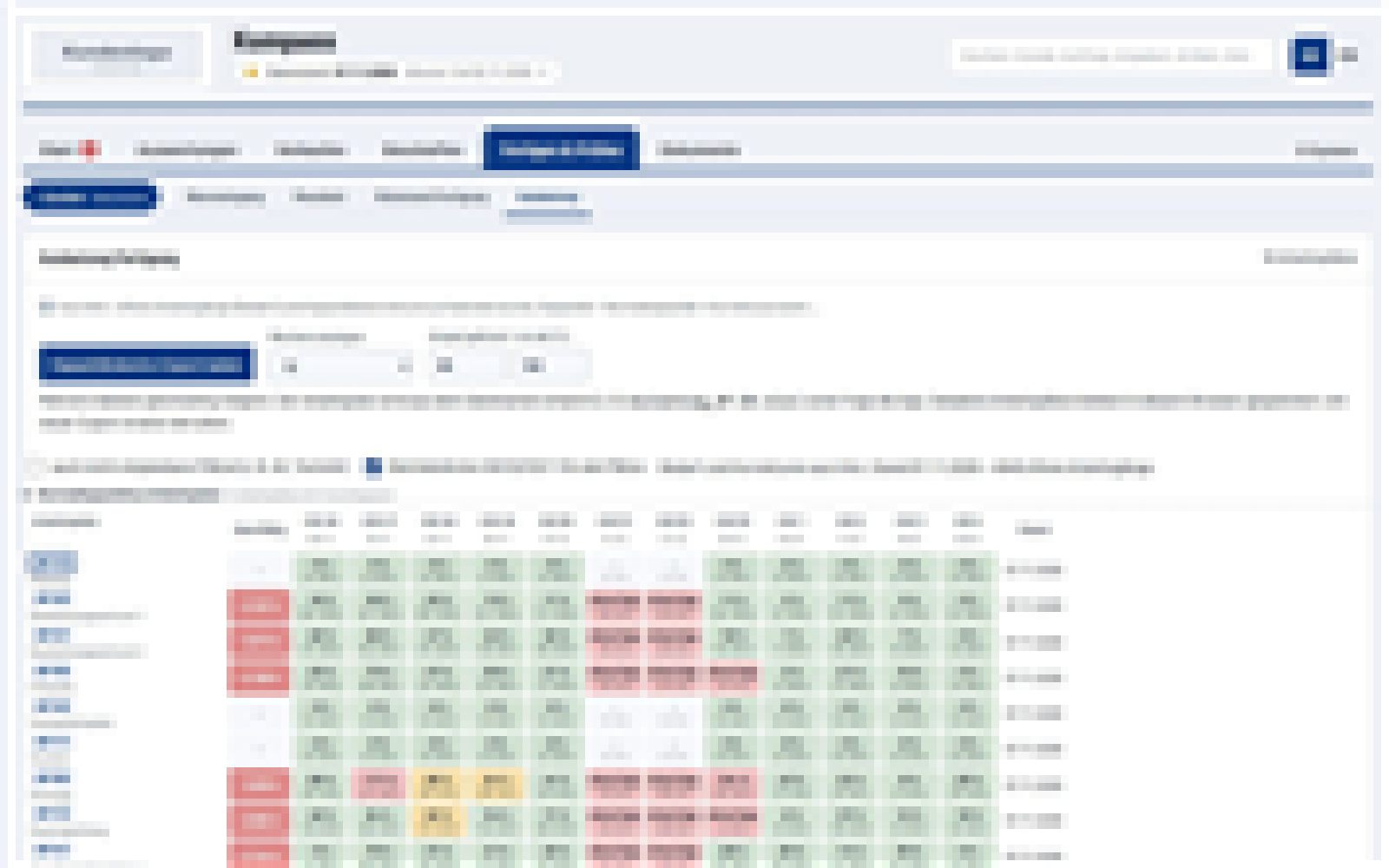
Production: workload in view, sequence under control
The workload of every work centre per calendar week – with backlog, capacity corrections and company holidays. You see bottlenecks weeks ahead and can act: with priorities, deferred orders and rush orders that you simulate before you commit.
- Workload per work centre and week, backlog per operation
- Priority and deferral per order, suggestions from sales
- Simulate a rush order: earliest date and which orders are delayed
- Completion message with packing list, “invoice created” status from the ERP
- Complaints without reference to persons, bundling of external processing
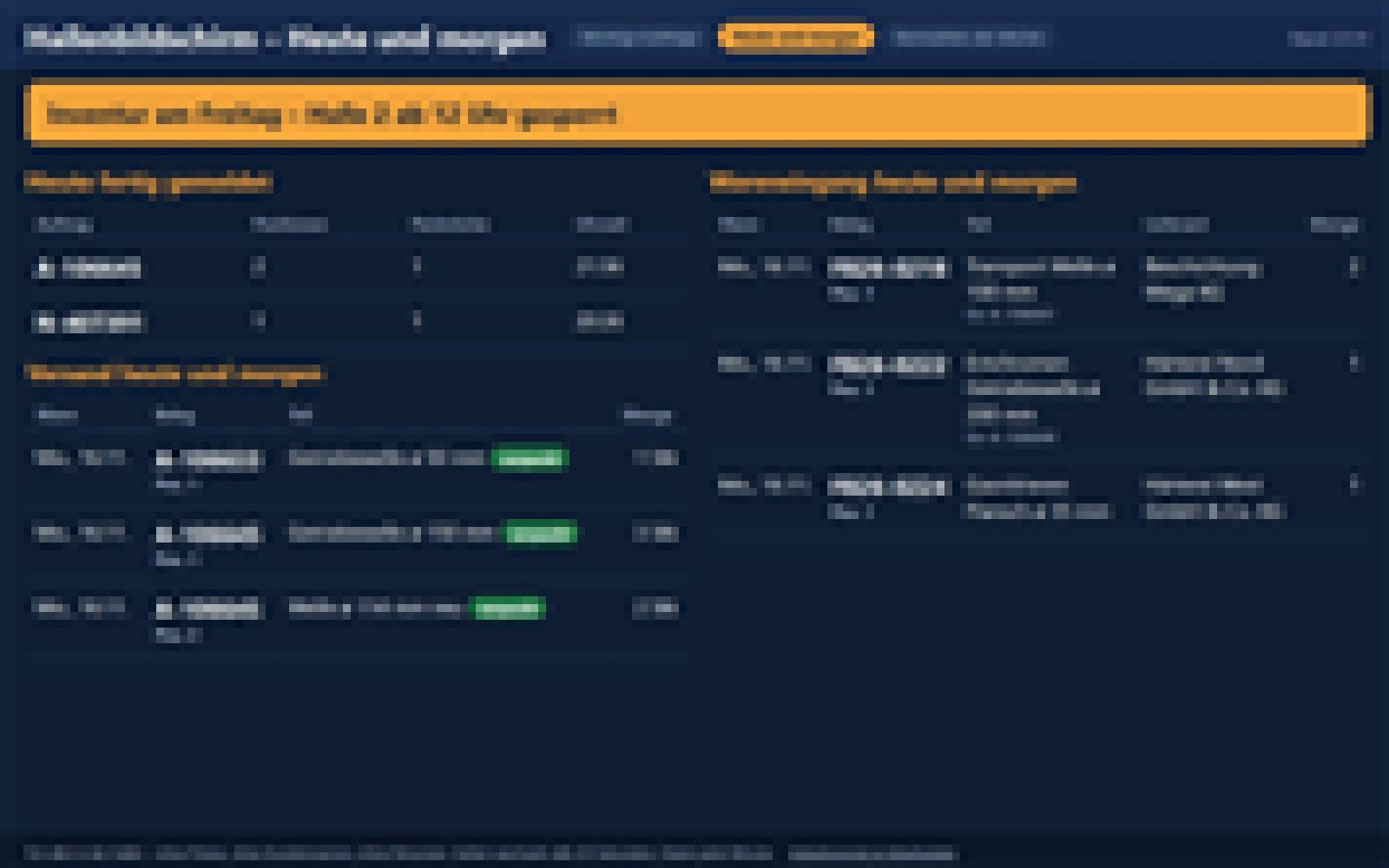
Shop-floor screen: everyone sees what matters today
A large screen on the shop floor shows everyone the same picture – rotating and updated every minute: which orders have priority, what is shipped and received today and tomorrow, and how the week is going. In addition, every work centre sees its own work queue in the right order on the shop-floor PC or tablet.
- Important orders with priority, reason and next operation
- Completed today, shipping and goods receipt today and on the next working day
- Key figures of the week compared with the previous week
- Message from the control centre to everyone, for example “Stocktaking on Friday”
- No prices, no customer names, no persons
Control for management
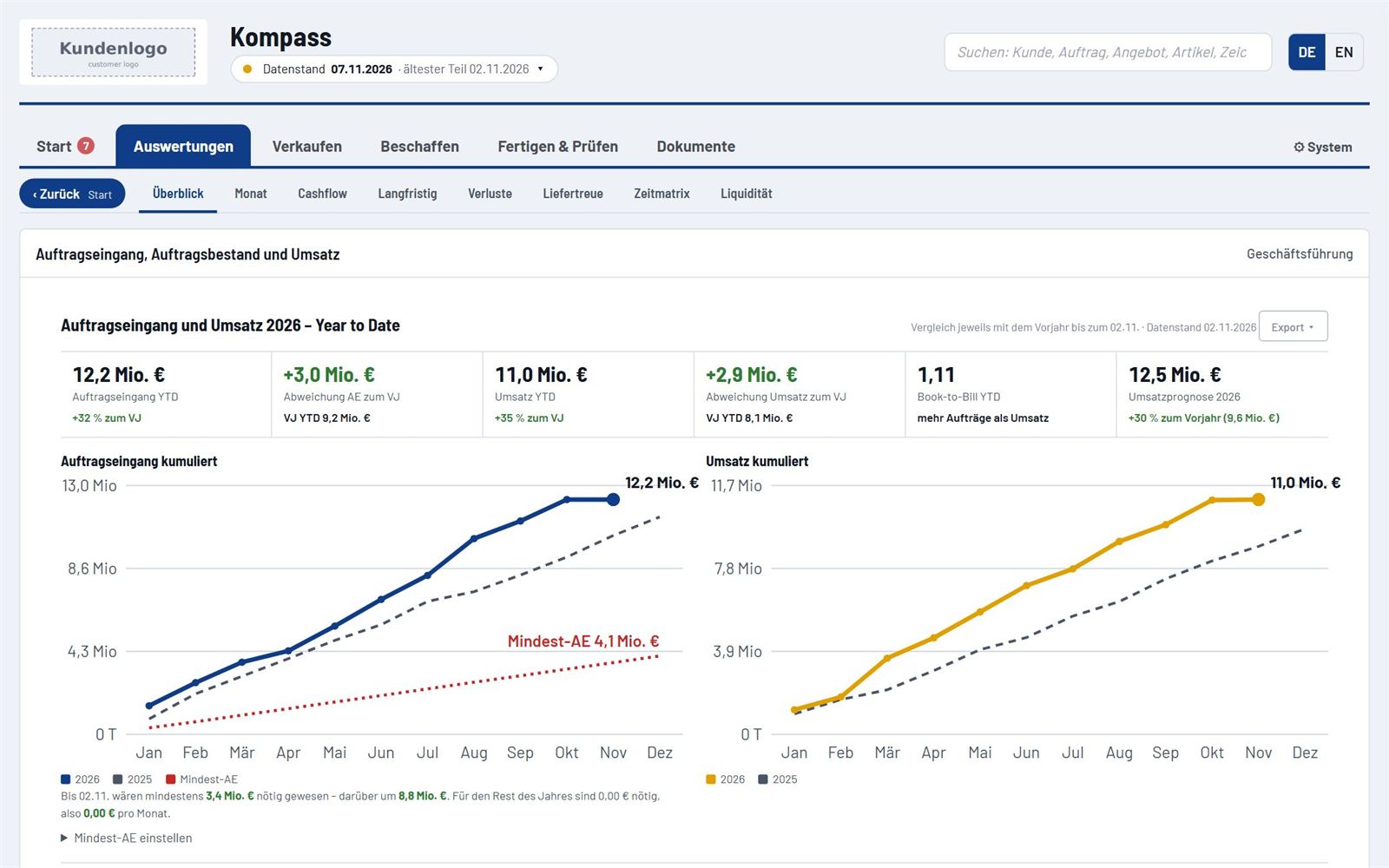
Incoming orders and sales over the year, comparison with the previous year, forecast to year end and order backlog. With the month-end closing, reported figures stay stable – later cancellations are booked cleanly as cancellations.
- Incoming orders and sales year to date with forecast
- Month-end closing of incoming orders with cancellation bookings
- Contribution margins per order, customer and part
- Long-term development, nominal and inflation-adjusted
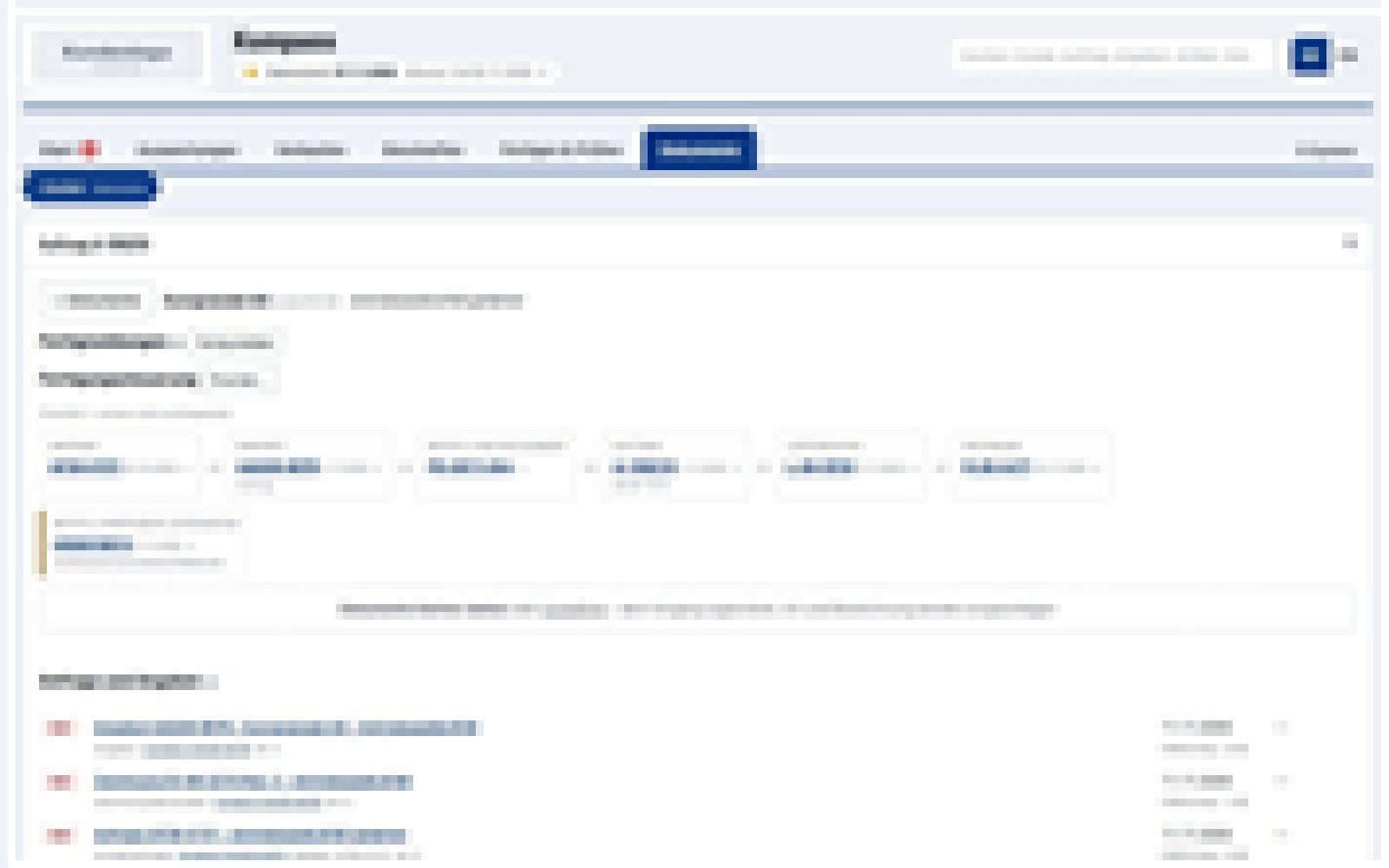
Document archive instead of folder chaos
Kompass files documents, e-mails and attachments in an audit-oriented way: every version is kept, every file is secured by a checksum, and nothing is deleted. Inbox folders and mailboxes are taken over automatically.
- Transaction file from enquiry to invoice
- Full-text search in PDFs and e-mails
- Retention periods and long-term archive
- Template for the process documentation
Security & data protection
Your data stays with you.
Kompass was developed for companies that take data protection, works councils and IT security seriously.
In your own network
Kompass runs on your Windows server. There is no forced cloud and no data transfer to us.
ERP read-only
Kompass reads your ERP – via SQL, interface or export – into its own copy and never writes to it. Your accounting remains untouched.
Windows login
Users log in with their Windows account – no additional passwords. You assign permissions per group and person; all changes are logged.
Works-council friendly
There is no performance or behaviour monitoring. Retention periods and log access are clearly regulated; templates for a works agreement are available.
1system instead of many Excel lists
0data sent to third-party servers
7areas – from quote to shop floor
100 %traceable – nothing is deleted
Introduction
Productive within a few weeks.
You do not have to run a big project. Kompass is introduced step by step – with your real data from day one.
Getting to know
In a video presentation we show Kompass with examples from your industry and clarify which modules fit.
Test installation
Kompass is set up on your server and reads a copy of your ERP. Your IT receives a clear checklist.
Pilot
One team works with Kompass in everyday operation. Requests flow directly into the next updates.
Roll-out
Then follow training, permissions per role and signed updates via the administration – without downtime.
Frequently asked questions
Good to know
Which ERP does Kompass work with?
Kompass reads the data of your ERP system – directly from its SQL database, via an interface or from export files – and stores it in its own copy. Your ERP is never changed. A ready-made connection exists for Infor COM; for other systems we set up the table mapping once.
Product names mentioned are trademarks of their respective owners. The mention only describes technical suitability; there is no partnership with the manufacturers.
Do we need a cloud for it?
No. Kompass runs on a Windows server in your network with SQL Server. For maps and routes there is a variant that works entirely locally.
What does our IT need?
A Windows server with IIS and the ASP.NET Core Hosting Bundle as well as SQL Server are required. Your IT also provides a service account with read access to the ERP. It receives installation instructions and a confirmation form for this.
How do updates get into the system?
Every update is digitally signed and installed via the administration. Kompass checks the signature. Automated tests run before every version.
Can we test Kompass first?
Yes. We recommend a test installation with your own data, followed by a pilot with a small team.
What does Kompass cost?
The price depends on the modules and the number of users. After a short conversation you will receive a transparent quotation – just ask below.
Contact
Let’s talk.
Tell us briefly about your company. We will get in touch for a personal presentation – without obligation and without sales pressure.
- Video presentation, about 45 minutes
- Reply usually within two working days
- Your details remain confidential

Pia Hubert
HUBERT ONE – your contact
“I am happy to show you our solutions in person – with examples from your everyday work.”
Niederlande 12 · 21039 Escheburg